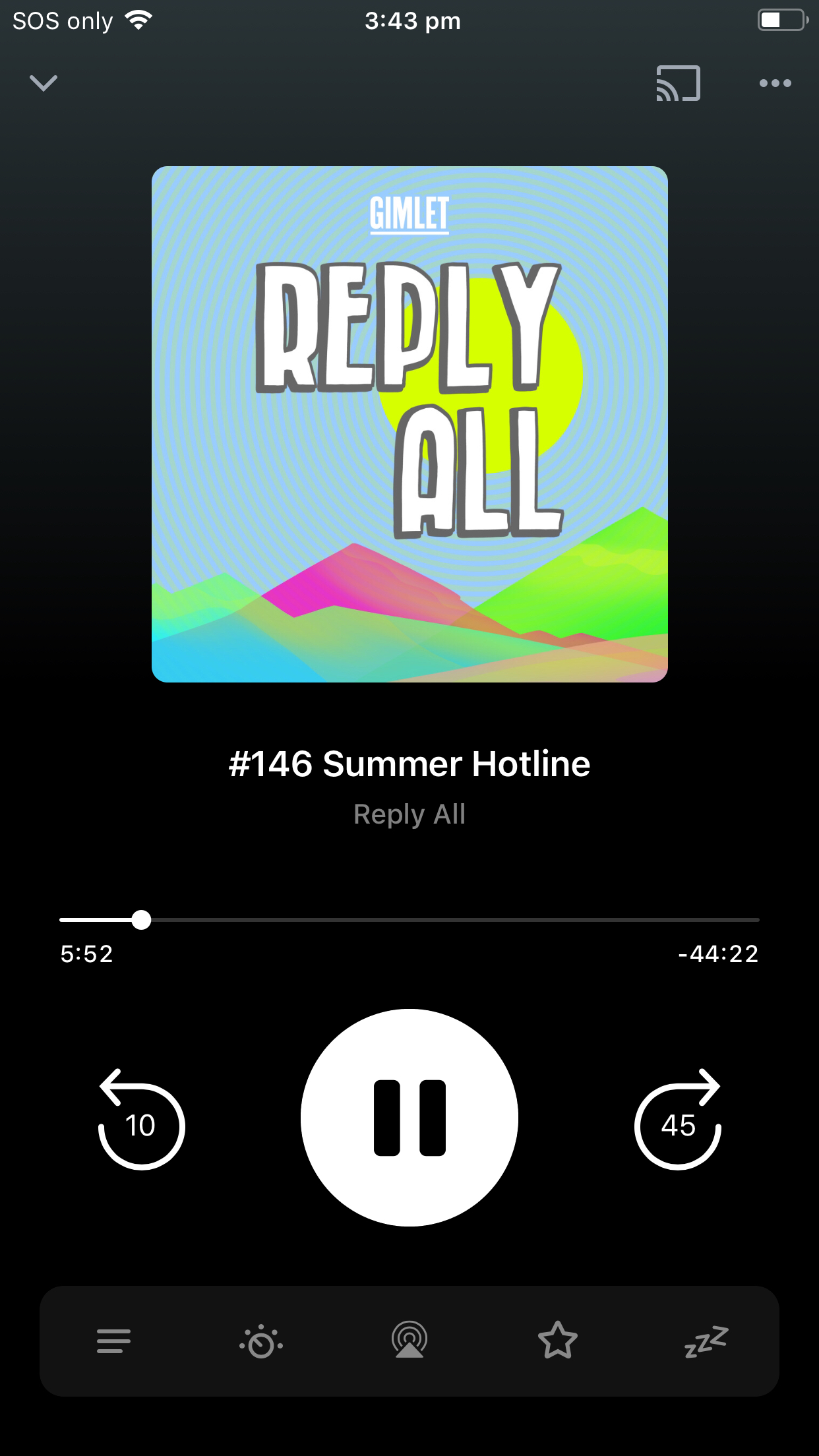
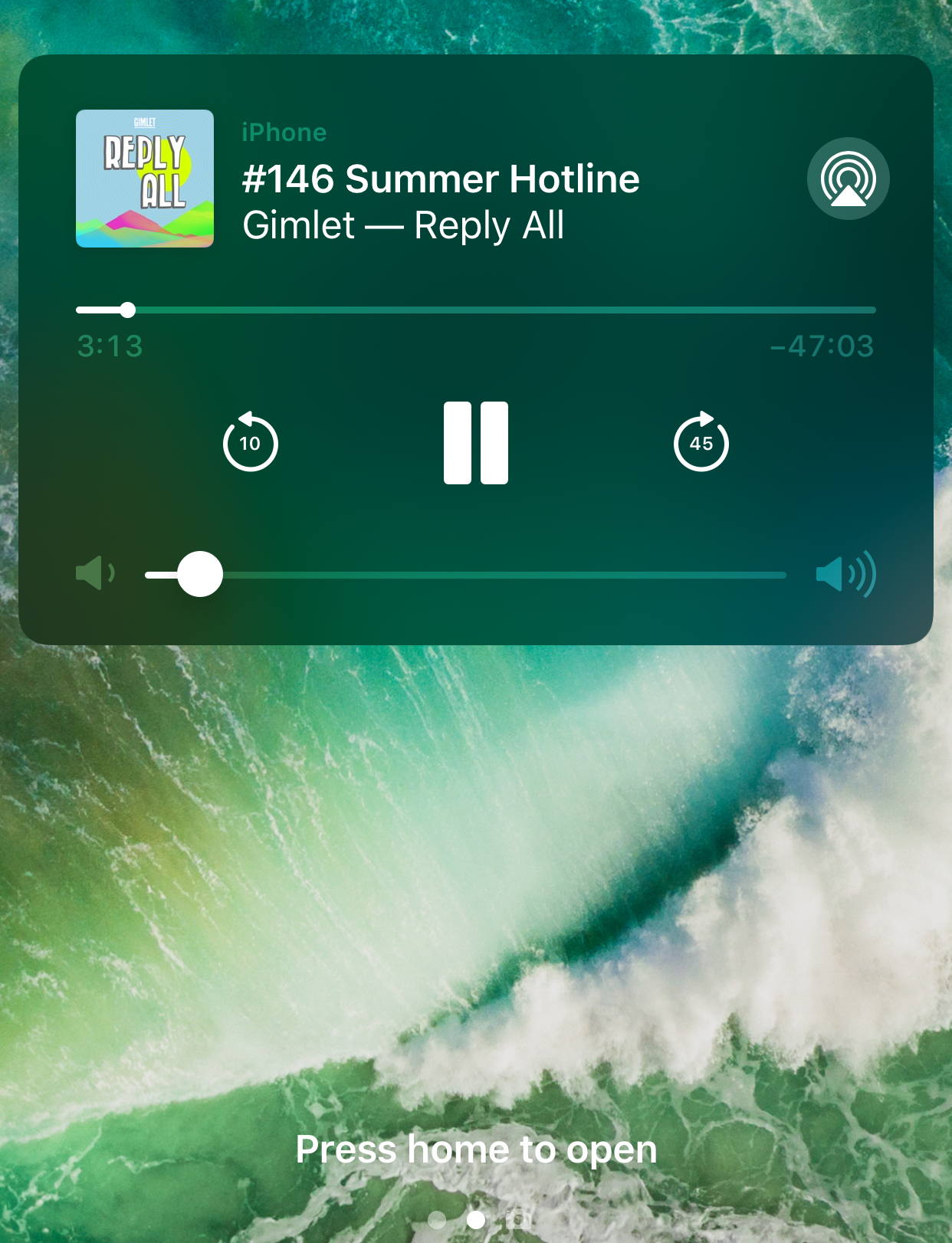
By default, Pocket Casts supports skipping through episodes, back 10 seconds and forward 45 seconds.
To customize the skip intervals
Tap Profile
Tap Settings
Select General
Edit the Skip forwardand Skip back options
You can skip through episodes from the following locations:
Full screen player
Tap the mini player to open the full screen player.
Control Center
Lock Screen
Press the Home or Power buttons on your device to bring up the lock screen.
Pro Tip: Long press on the skip forward button on full screen player gives you an option to mark that episode played or move to the next episode in the queue.
Note: When remote skip chapter setting is toggled the skip forward button will skip the chapter.
Note: If you are missing a skip back option in lock screen, you might have the extra playback actions toggled on.

 Profile
 and Skip back
  options