
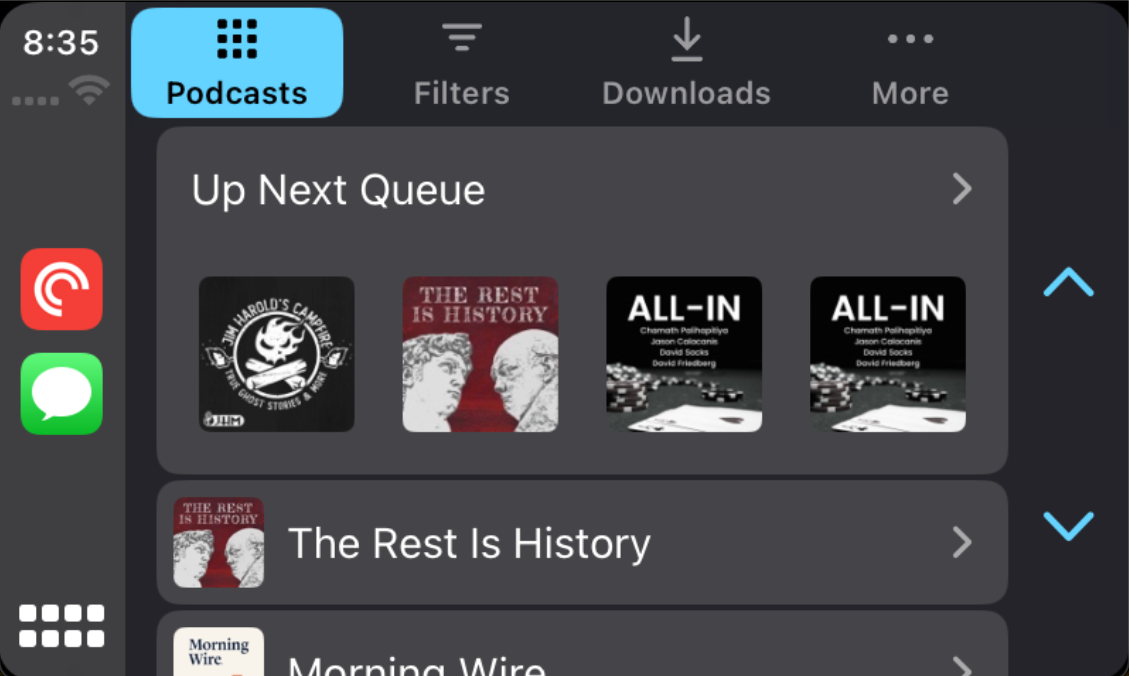
CarPlay, Apple’s revolutionary in-car infotainment system, seamlessly integrates your iPhone with your car’s infotainment console, offering a smarter and safer way to use your phone while driving. With Pocket Casts on CarPlay, you can enjoy your favorite podcasts directly from your car’s dashboard!
Pocket Casts on CarPlay features an easy-to-navigate interface with tabs that mirror your phone’s organization, ensuring a familiar and hassle-free experience. Here’s what you can expect:
- Podcasts Tab: Access your followed podcasts, sorted just as they are on your phone. Dive into individual podcasts to find episodes ready for playback. CarPlay honors your “show/hide archived” settings, displaying episodes accordingly.
- Playlists Tab: Quickly find episodes in your manual playlists and/or Smart Playlists.
- Downloads Tab: Listen to downloaded episodes conveniently organized with the newest downloads at the top.
- More Tab: Explore your listening history and access custom files for a personalized experience.
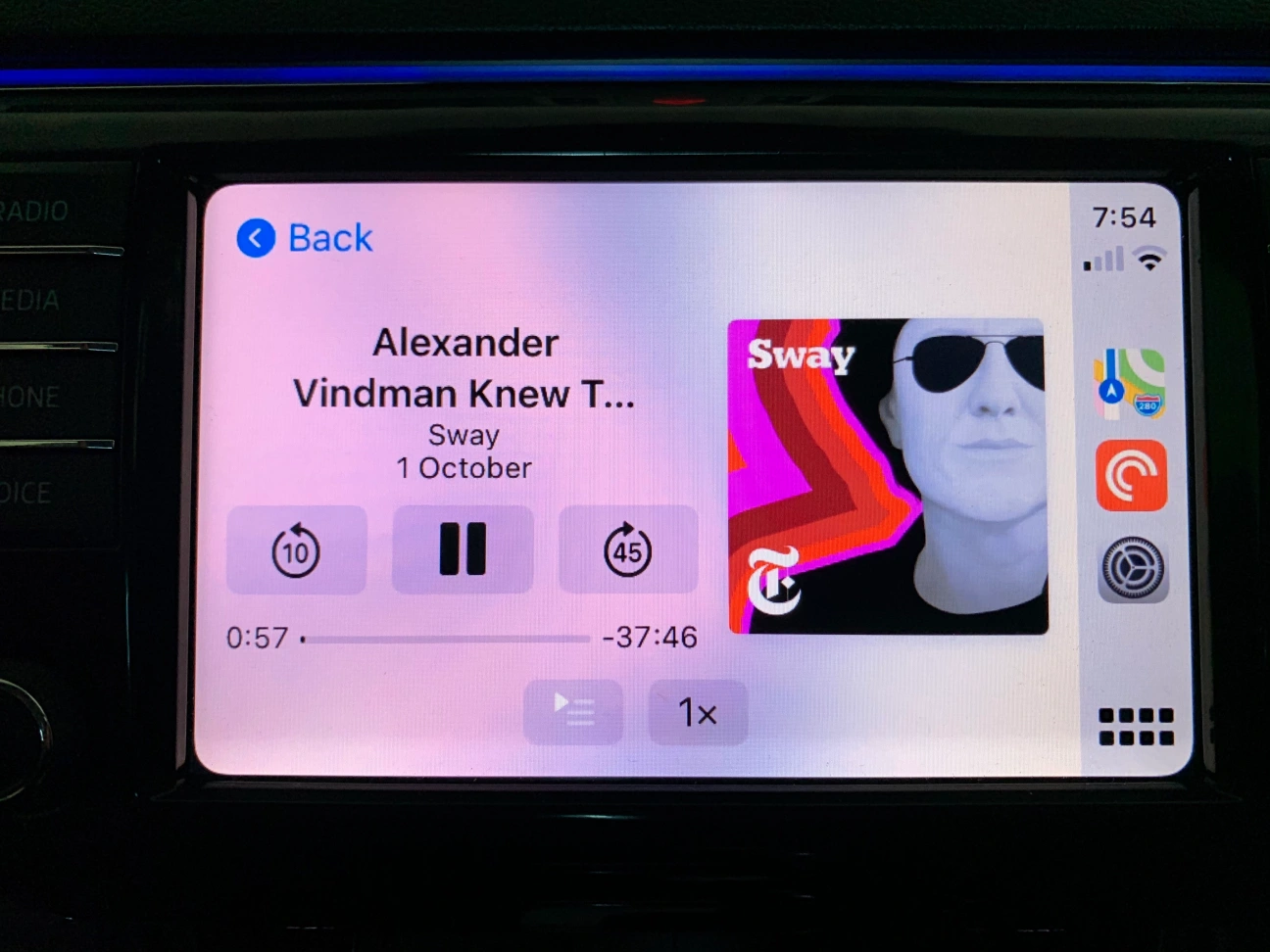
- Now Playing Tab: Automatically appears when an episode is playing, providing quick access to the Now Playing screen with playback controls.
When using Pocket Casts on CarPlay, it’s important to note:
- Apple-Designed UI: All visual elements are drawn by Apple, ensuring a consistent CarPlay experience. Any visual bugs are part of CarPlay’s design, beyond our control.

- Item Limit: For optimal performance, CarPlay displays a maximum of 100 items in any list.
- Regional Restrictions: In certain regions, CarPlay may limit interactions (e.g., scrolling) for legal reasons, a restriction managed by Apple or the car manufacturer.
- Tab Order: While we can customize the order of the tabs, the Now Playing screen cannot be added as a tab and will appear automatically during playback.
Directly adding episodes to the Up Next queue via CarPlay isn’t supported. However, there’s a workaround:
- Play the episode you wish to add. It will join the Up Next queue and push existing episodes down.
- Resume playing your original selection.
Changing the Pocket Casts icon on your iOS device? Reflect this change on CarPlay by simply disconnecting and reconnecting your device.
