You can change your password within the app.
- Tap the Profile
- Tap Account
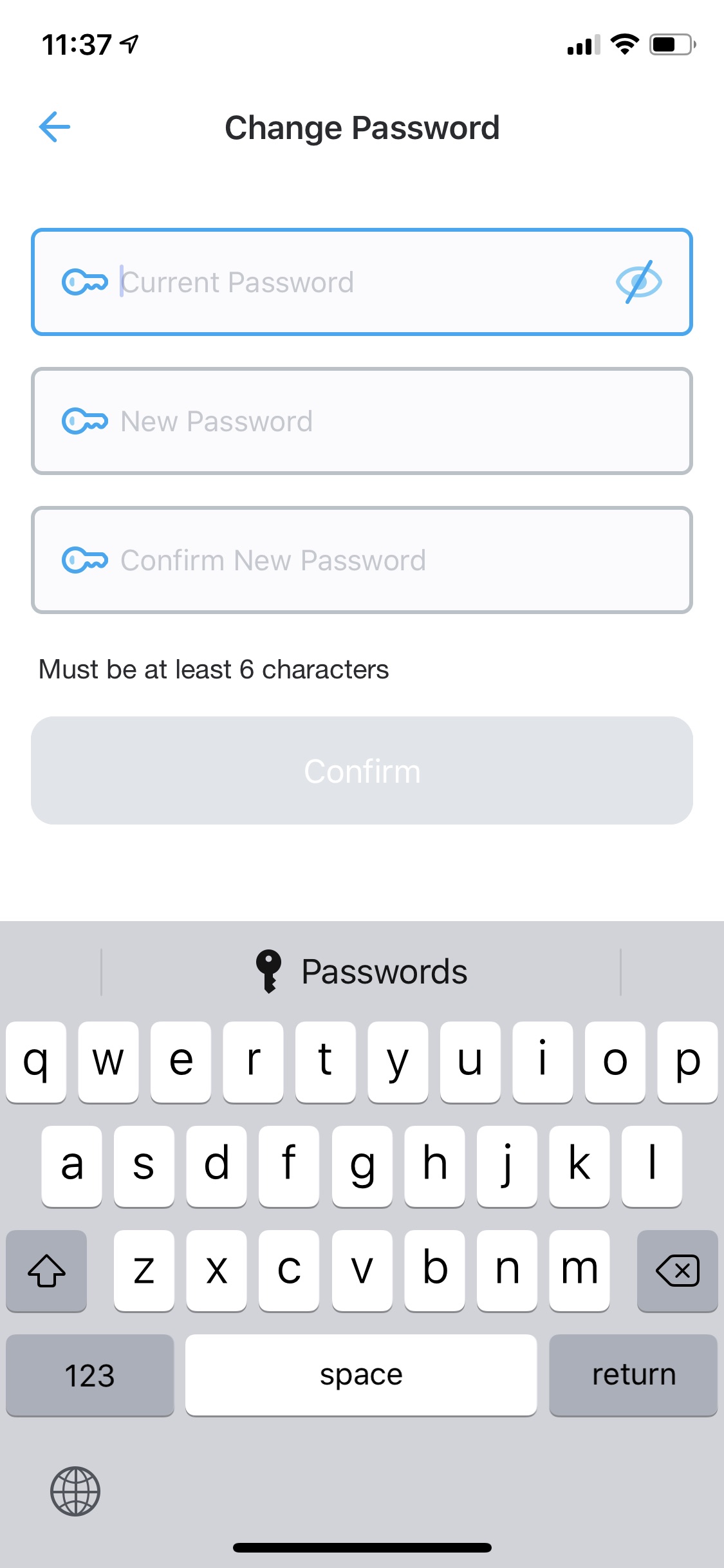
- Tap Change password and follow the prompt
If you’ve forgotten your password, tap Sign In then tap I Forgot my password link to reset your password.

Was this guide helpful for you?
Not quite what you were looking for? Contact Us
Read this guide
Read this guide
Read this guide
Read this guide
