
The podcasts view, the landing page of the web player/desktop apps, is the main display of your followed podcasts.
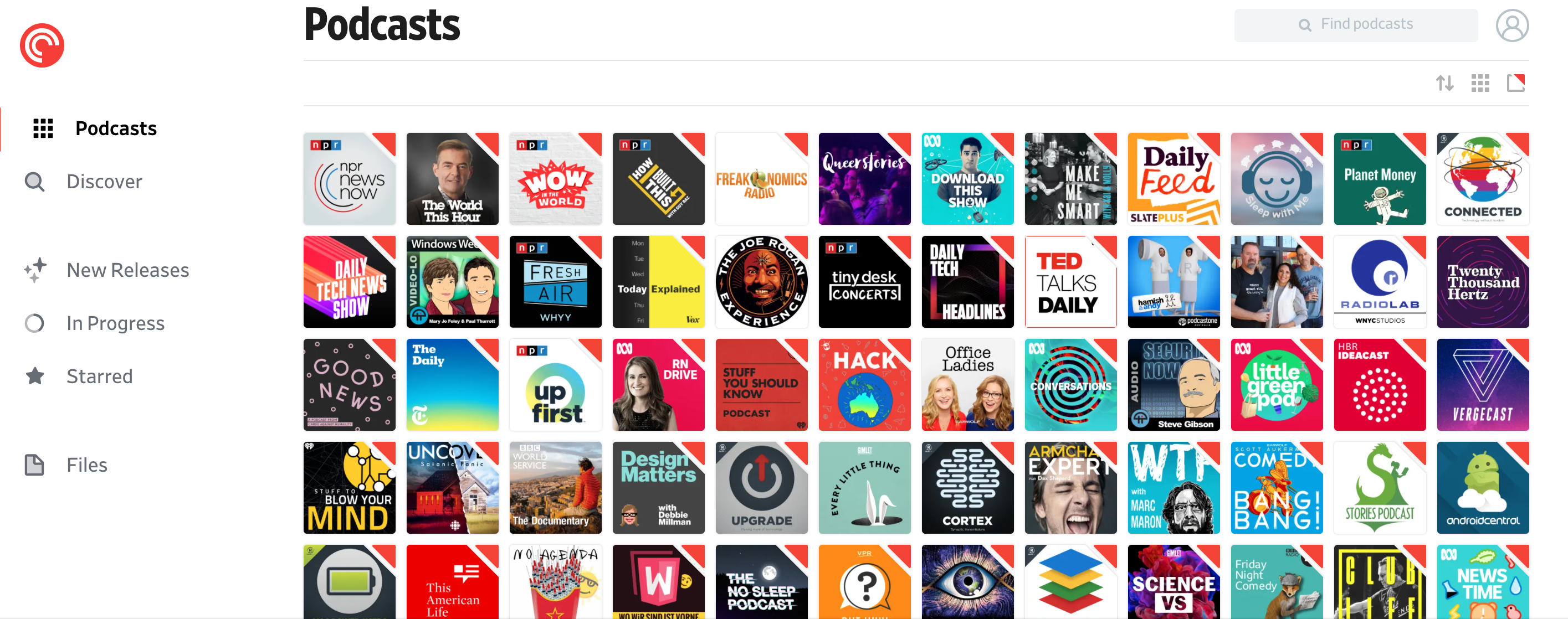
Along the right, above your podcasts, you’ll see the following icons:
- New Folder — Create a new folder to organize your podcasts.
- Sort — In the Web Player and Desktop app sort podcasts by Podcast Name, Episode Release Date, Date Added, or Drag and Drop.
In the mobile app for iOS and in the mobile app for Android sort podcasts by Date Added, Episode Release Date, Recently Played (mobile app only), Name, or Drag and Drop. - Layout (grid icon) — Select the large grid, small grid, or list layout.
- Badges — an indicator for the latest unplayed and not archived episode.
