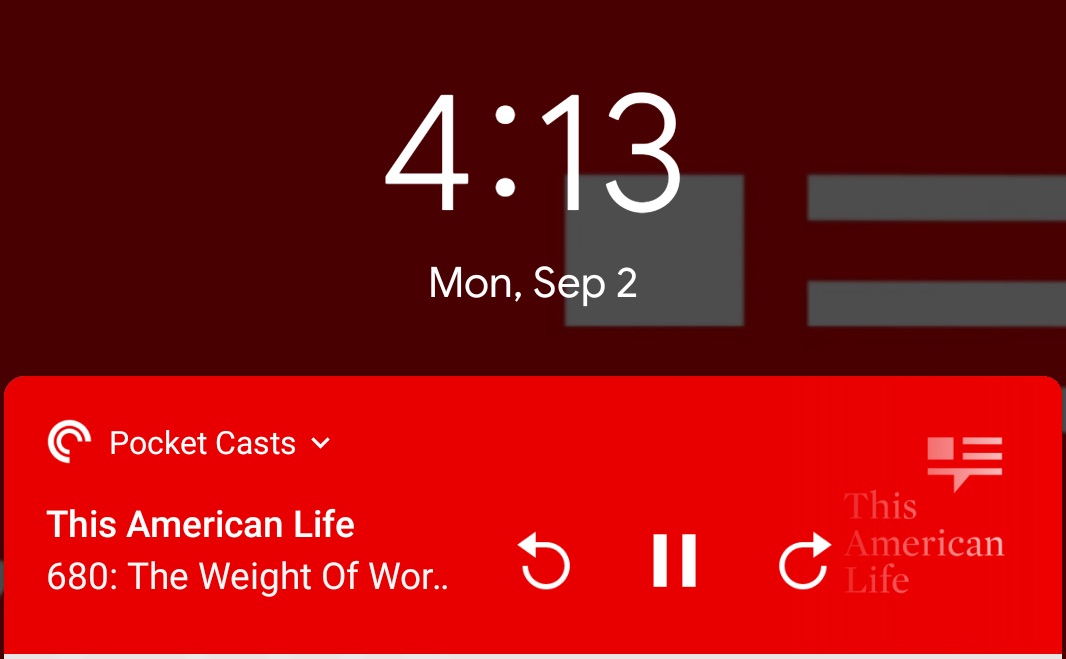
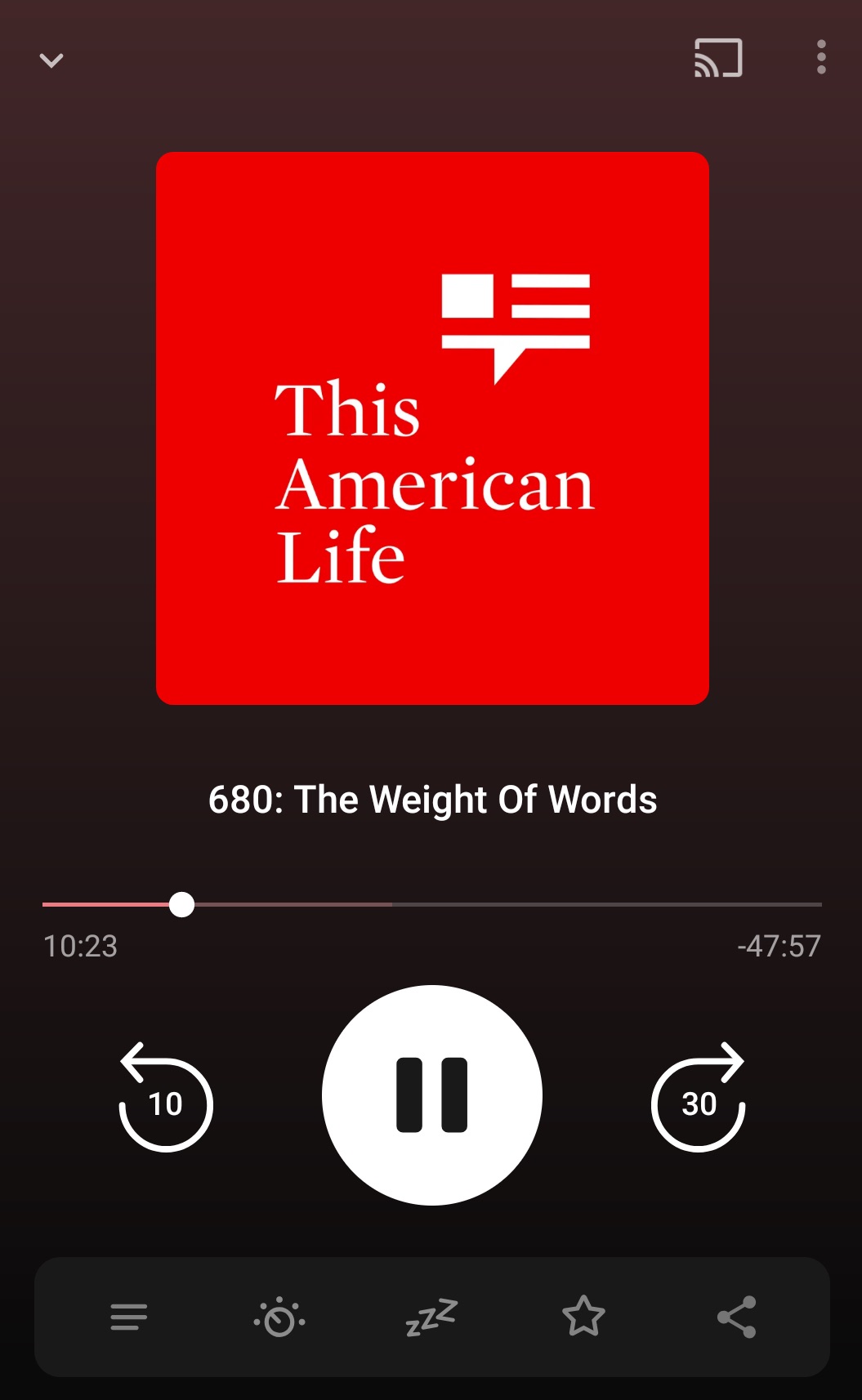
By default, Pocket Casts supports skipping through episodes, back 10 seconds and forward 30 seconds.
- Tap Profile

- Tap Settings

- Select General
- Edit the Skip forward
 and Skip back
  options
You can skip through episodes from the following locations:
Tap the mini player to open the full screen player.
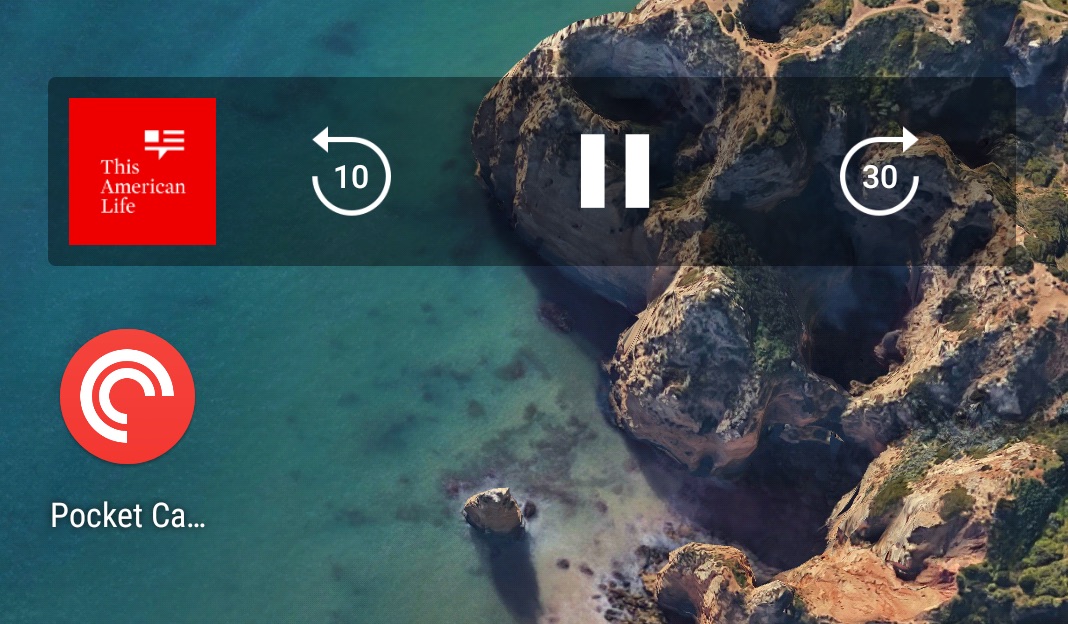
Long press on your home screen to add the widget.
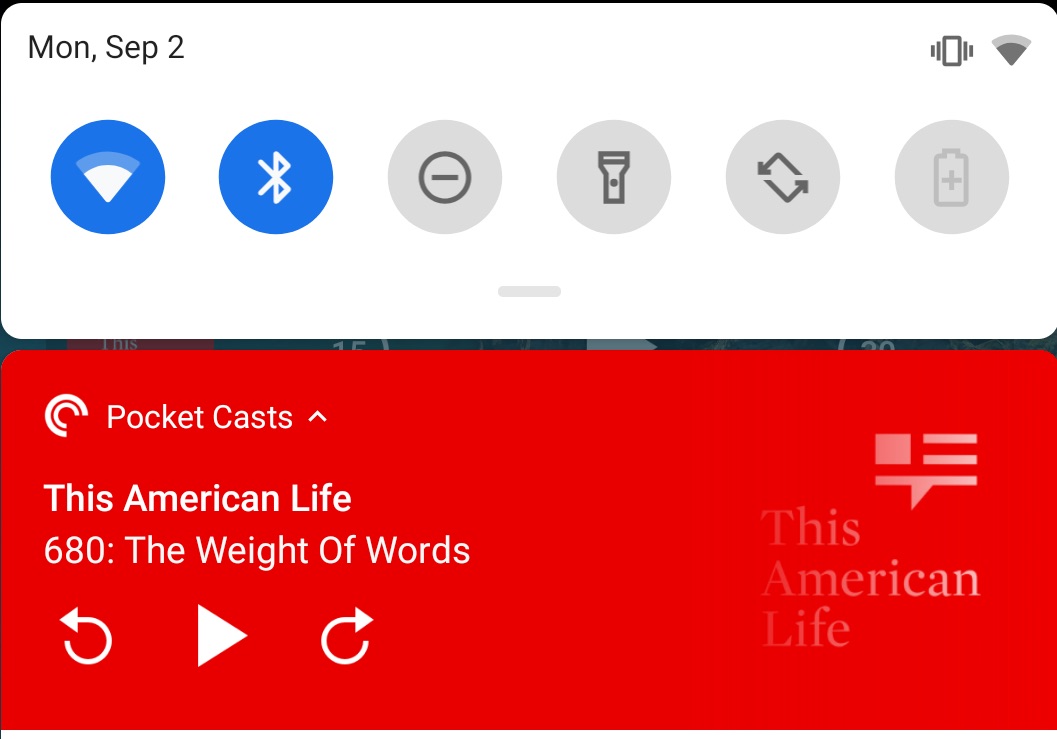
Swipe down from the top of your screen to show notifications.
Press the power button on your device to display the lock screen.