
If you have Android 8.0 or above, or iOS 14 or higher, you can watch video podcasts in Picture-in-Picture mode. While playing, enter full screen mode (portrait or landscape) and tap the Picture-in-Picture icon.  (Style of the icon can vary based on the type of device.)
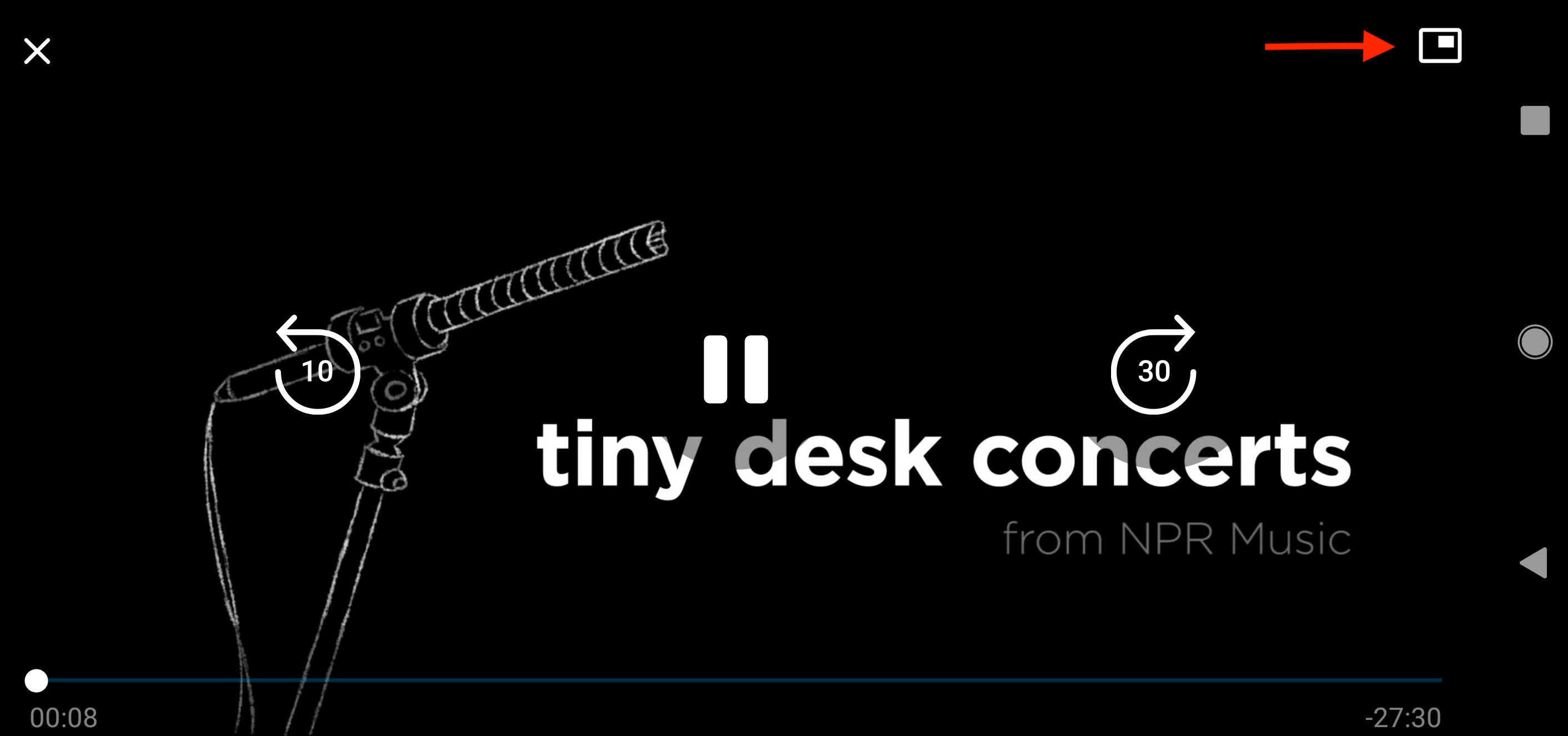
Pocket Casts supports both portrait and landscape mode for video episodes. The screen rotation settings on your device control the app’s orientation.
For audio episodes, the Now Playing and other screens match the general orientation behavior of your device.
To rotate the Pocket Casts app from portrait to landscape, use your device’s built-in orientation settings—there are no dedicated rotation controls within Pocket Casts itself. For example, you can find the steps for Apple (iOS) devices here. And, steps for Samsung (Android) devices here.
