
Pocket Casts supports Siri voice commands to control playback via Siri.
Trigger the Assistant by long pressing the home button / the side button, or saying ‘Hey Siri’.
- ‘Play [podcast name] on Pocket Casts‘ – To play the top unplayed episode from a podcast
- ‘Pause Pocket Casts‘ – To pause currently playing
- ‘Play Pocket Casts‘ – To resume currently playing
- ‘Skip Forward’ or ‘Skip Back’
- By default the skip command will skip 15 seconds forward or backward
- You can also specify your own times e.g: Skip forward 2 minutes
You can choose the Siri commands available in Siri shortcuts settings within the app.
- Profile > Settings > Siri shortcuts
- Tap on the + on the command you wish to add shortcut and follow the prompts
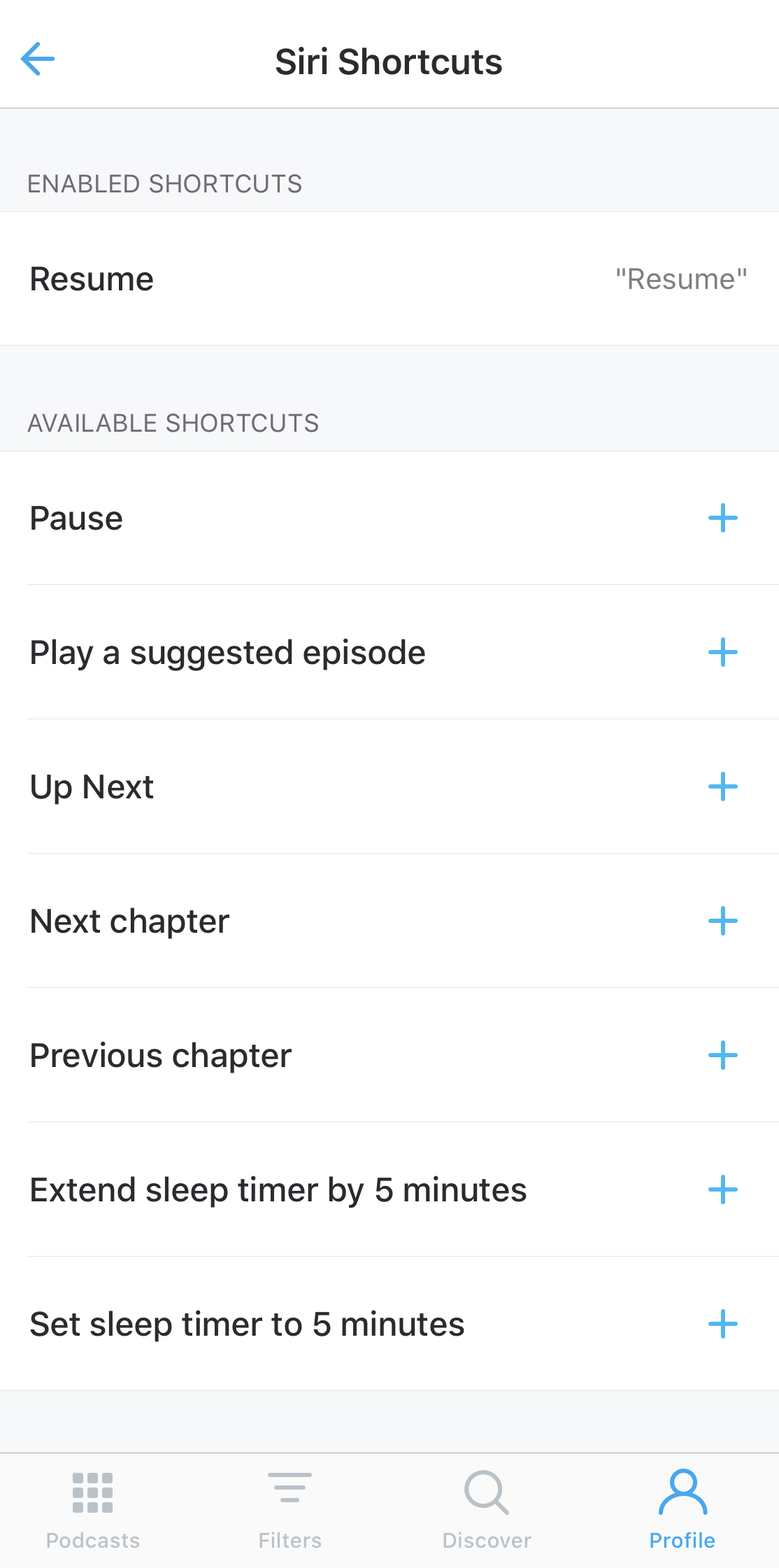
- A shortcut can also be added to a specific podcast and a specific playlist on the same page or via the playlist and podcast setting itself.
