
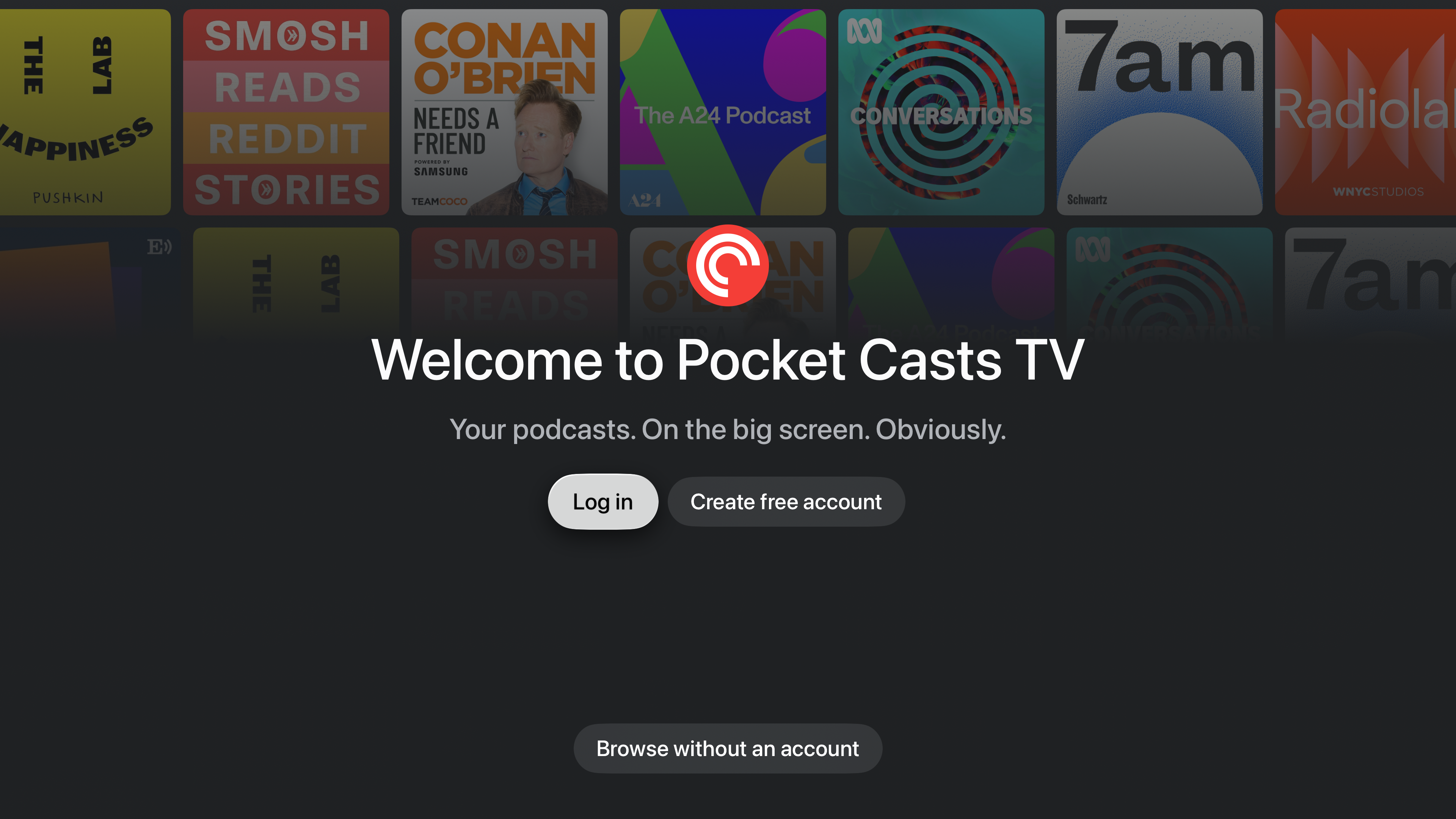
Pocket Casts is available as a native app for Apple TV (tvOS), letting you play your podcasts and playlists on the big screen and discover new shows. The app focuses on a streamlined listening experience — your library, Up Next queue, and listening progress all sync with your other devices.
What you need
A supported Apple TV (Apple TV HD or Apple TV 4K) running tvOS 26 or later. Signing in with a Pocket Casts account is recommended so your podcasts and playback sync across devices, but you can also browse without one.
Installing the app
- On your Apple TV, open the App Store
- Search for Pocket Casts
- Select Get to install the app
- Open Pocket Casts from the Home Screen once it has installed
Signing in
On the welcome screen, choose Log in, then pick one of two methods.
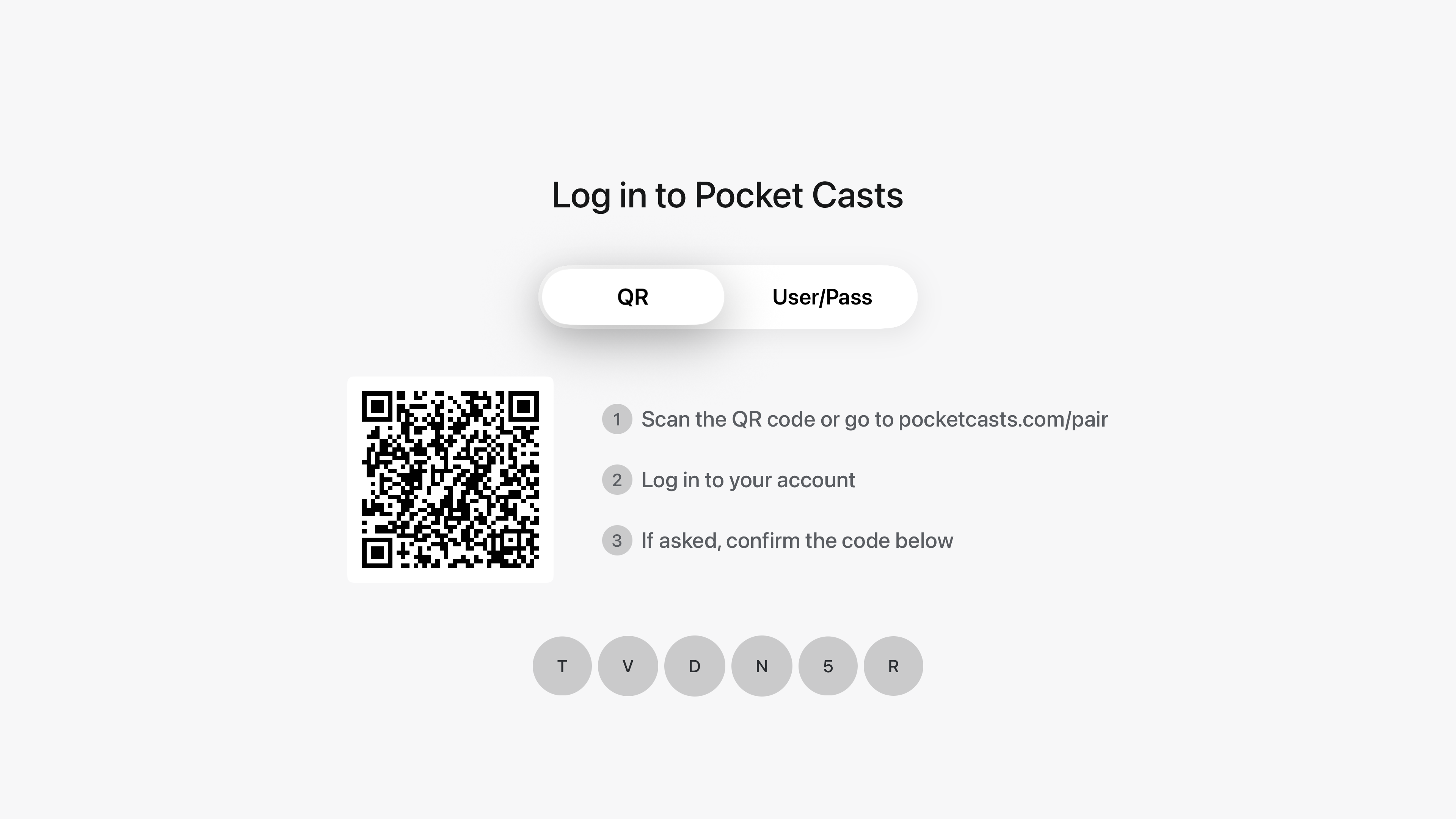
Sign in with a QR code
This is the fastest way to sign in. A QR code and a short code appear on your TV.
- On your phone, scan the QR code (or go to the web address shown on screen)
- Log in or create your account
- Confirm the code to approve the Apple TV
Sign in with your email and password
Switch to the manual option and type your Pocket Casts email and password directly on the TV.
Creating a free account
Don’t have an account yet? Choose Create free account on the welcome screen and follow the same QR flow to create one from your phone.
Browsing without an account
Choose Browse without account to explore the Home and Discover sections and play episodes without signing in. Actions that need an account — following a podcast, adding to Up Next, or archiving an episode — will prompt you to create an account or log in.
Finding your way around

The app’s tabs run across the top of the screen:
- Home — recommended and recently played content
- Podcasts — the podcasts you follow
- Playlists — your playlists
- Up Next — your play queue
- Now Playing — the episode currently playing
- Search — find podcasts and episodes
Your profile picture in the top-left corner opens a menu with your Starred episodes, your Listening History, and account options.
Playing your podcasts and playlists
Your followed podcasts and playlists reflect your account, and your Up Next queue is available and stays in sync. When you play an episode, your position is saved and updated across your devices.
Syncing across your devices
When you’re signed in, your subscriptions, playlists, Up Next queue, listening progress, and episode status (played and archived) sync in real time with your phone and other devices.
Search and Discover
Open Search to look for podcasts and individual episodes. Your results open on a Top Results tab, with Podcasts and Episodes tabs alongside it so you can narrow down to one kind of result.
Browse the Discover area to explore categories and curated collections. As well as podcasts, Discover sections can feature individual episodes, including video episodes. Selecting an episode plays it, and holding down to open its menu gives you the episode’s show notes and podcast options.
Search can also return a network — a group of podcasts from the same publisher — with a Networks tab appearing when your term matches one. Selecting it shows the network’s description and all of its shows. Networks are available through Search on Apple TV; there is no Networks row in Discover. See Podcast Networks.
Frequently asked questions
Does the Apple TV app include all the same features as the mobile apps?
Not quite. The Apple TV app is built for a streamlined, big-screen listening experience, so it covers the essentials — streaming your followed podcasts, folders, playlists, and Up Next queue; playing both audio and video podcasts; adjusting playback speed and volume boost; Discover and Search; and syncing everything with your other devices — but a few features from the iPhone and Android apps aren’t available yet.
The following aren’t currently supported on Apple TV:
- Uploaded Files — you can’t upload or play your own audio or video files on Apple TV
- Downloads and offline playback — episodes stream over the internet and can’t be downloaded for offline listening
- Sleep timer
- Chapters
- Bookmarks
- Stats screen — you can’t view your Listening Stats on Apple TV yet, but the time you listen on Apple TV still counts toward your stats (total listening time and time saved). Open Profile > Stats on your phone or the web player to see them.
- Sharing, clips, and transcripts
- Creating or editing playlists — you can play your existing playlists, but you’ll need the mobile or web app to create or change them
For any of these, use Pocket Casts on your phone, tablet, or the web player. Your account and listening progress stay in sync, so you can pick up on Apple TV right where you left off.
